 how-to
How to Maintain SDS Documentation for Lab Peptides
Table of Contents
- Why Peptide SDS Documentation Matters in the Lab
- How to Read a Peptide SDS: A Section-by-Section Walkthrough
- SDS Document Control for Laboratories: Building a System
- Peptide SDS Recordkeeping: What to Keep and Where
- Peptide SDS and Certificate of Analysis: How They Work Together
- Common Mistakes to Avoid with Peptide SDS Files
- Conclusion: Making Peptide SDS Maintenance a Habit
- Frequently Asked Questions
Last Updated: October 8, 2026
Why Peptide SDS Documentation Matters in the Lab
A peptide SDS is the single most important safety document in your lab, and it is only useful if it is current, complete, and easy to find. This guide from Globo Research Peptides covers how to maintain SDS documentation for laboratory peptides without letting it fall apart.
Safety Data Sheets exist for a legal and practical reason. The OSHA Hazard Communication Standard requires that chemical manufacturers and importers provide an SDS for every hazardous chemical, and employers must keep those sheets accessible to workers in their work areas. Peptides sit in a gray zone: many are not classified as hazardous, but the solvents, salts, and preservatives around them often are.
SDS documentation is the practice of collecting, organizing, updating, and storing Safety Data Sheets so that anyone in the lab can find the right document within seconds.
That might sound simple. In practice, most labs let it slide until an inspection or a spill forces the issue. Below, we walk through how to read a peptide SDS, how to build document control, and how to avoid the mistakes that break the system.
How to Read a Peptide SDS: A Section-by-Section Walkthrough
A peptide SDS follows a fixed 16-section format, so once you learn the layout you can find any detail in under a minute. The standardized format comes from the OSHA 29 CFR 1910.1200 Appendix D, which aligns with the international GHS system.
Sections 1-8: Identification, Hazards, and First-Aid
The first half of the sheet is what you reach for in an emergency.
- Section 1, Identification: product name, catalog number, supplier, and emergency phone number
- Section 2, Hazard Identification: GHS hazard statements, pictograms, and signal words
- Section 3, Composition: the chemical name, CAS number, and concentration of each component
- Section 4, First-Aid Measures: exactly what to do for eye, skin, inhalation, or ingestion exposure
- Sections 5-8: firefighting, accidental release, handling and storage, and exposure controls
Read Section 2 first. It tells you whether you need gloves, a fume hood, or eye protection before you open the vial.
Sections 9-16: Handling, Storage, and Disposal
The second half covers the physical properties and the rules for safe use.
- Section 9, Physical Properties: appearance, odor, pH, and solubility
- Section 10, Stability and Reactivity: conditions to avoid and incompatible materials
- Section 11, Toxicological Information: exposure routes and symptoms
- Sections 12-15: ecological, disposal, transport, and regulatory information
- Section 16, Other Information: revision date and version number
That revision date is the anchor for your entire recordkeeping system. Log it the day the sheet arrives.
SDS Document Control for Laboratories: Building a System
SDS document control for laboratories means assigning one person, one location, and one review cycle to every sheet. Without those three pieces, the system drifts.
Start with a central index. Every SDS gets a unique ID, a product name, a supplier, a revision date, and a storage location. A simple spreadsheet works fine for a small lab.
Next, decide who owns it. One lab manager or safety officer should review the index monthly and flag any sheet older than three years. Suppliers update sheets without announcing it, so a periodic check catches the changes.
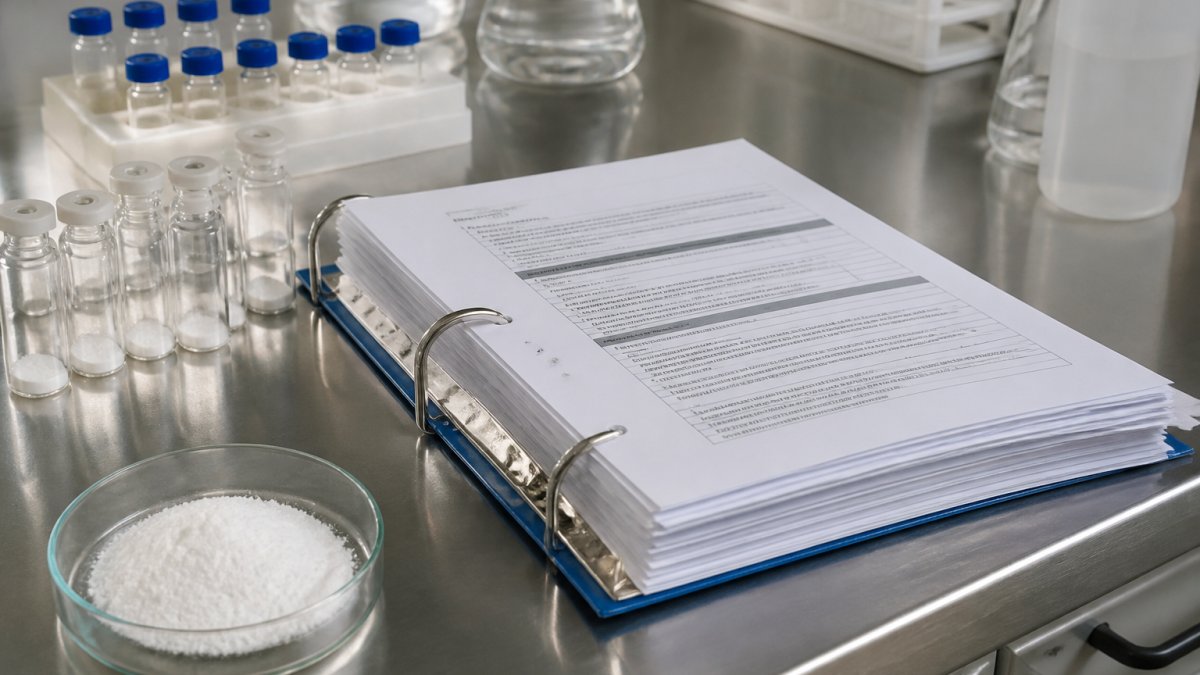
Then set the access rule. Workers must be able to reach any SDS during their shift without asking permission. Digital folders handle this well. Printed binders work too, as long as they stay in the work area.
Peptide SDS Recordkeeping: What to Keep and Where
Peptide SDS recordkeeping is about matching the right document to the right batch and keeping it retrievable for as long as the material is in use.
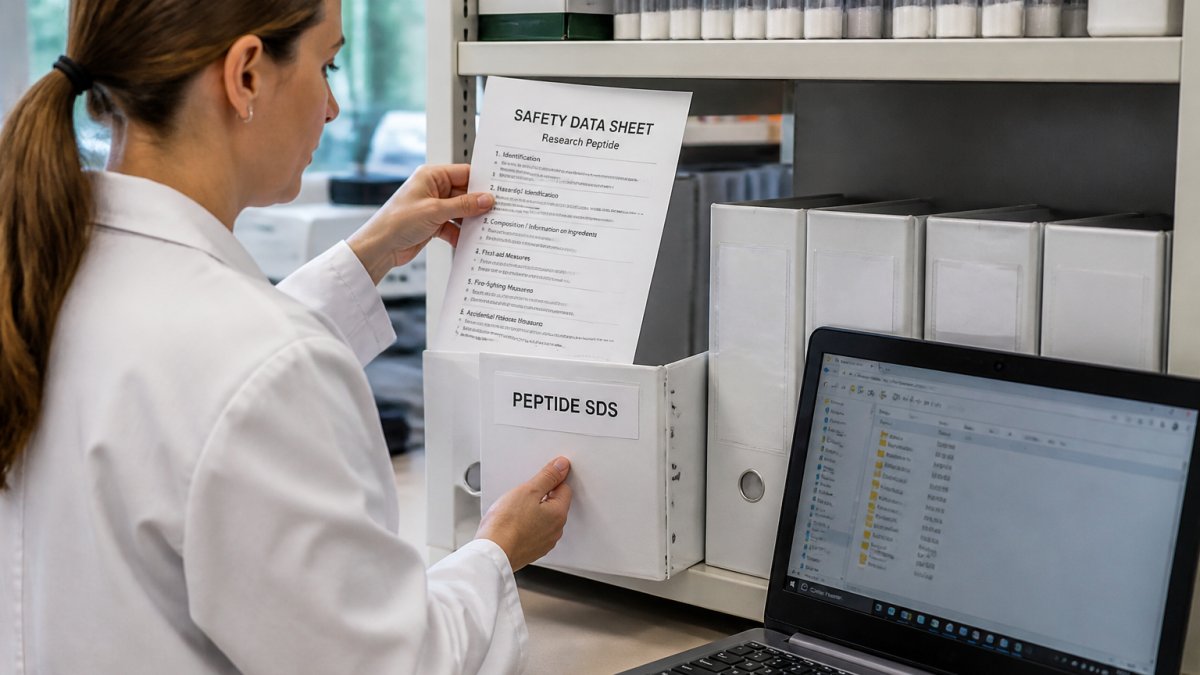
Keep three things for every peptide in your inventory:
- The current SDS from the supplier
- The Certificate of Analysis for the specific lot you received
- A log showing when the material arrived and when it was opened
Store the digital copy in a shared folder with read access for everyone who handles the material. Keep a printed backup for the sheets tied to hazardous components. If your power or network goes down, the printed copy is your fallback.
Retention matters too. Keep the SDS for as long as you store the chemical, plus a buffer period after disposal. Many labs use a simple rule: keep it until the next full safety audit after the material leaves the building.
Peptide SDS and Certificate of Analysis: How They Work Together
Peptide SDS and certificate of analysis documents answer two different questions, and labs that confuse them run into trouble. The SDS tells you how to handle the material safely. The COA tells you what is actually in the vial.
A Certificate of Analysis reports the test results for a specific batch. For research peptides, that typically includes purity by HPLC, molecular weight, appearance, and a lot number. The SDS describes the general properties of the compound, not the specifics of your batch.
Match them by lot number. When a shipment arrives, check that the COA lot number matches the label on the vial and the batch referenced in the SDS. If they do not line up, contact the supplier before you use the material.
This is where documentation quality separates suppliers. At Globo Research Peptides, every batch ships with a full Certificate of Analysis, and our peptides are verified at ≥99% HPLC purity through third-party testing. That pairing of SDS and COA is what lets you trace a compound from receipt to result.
| Document | Answers | Tied To | Keep Until |
|---|---|---|---|
| SDS | How to handle it safely | Product, not batch | Material disposed plus buffer |
| COA | What is in the vial | Specific lot number | Study completion plus retention |
| Receipt log | When it arrived | Lot and date | Same as COA |
Common Mistakes to Avoid with Peptide SDS Files
The same handful of errors show up in lab after lab. Each one is easy to fix once you name it.
- Keeping only a printed binder. If the binder walks off, the documentation is gone. Keep a digital master.
- Ignoring revision dates. A sheet from three years ago may not reflect the current formulation.
- Filing by product name only. Two products with similar names get mixed up. Use catalog numbers.
- Letting COAs and SDS files live in different places. Traceability breaks the moment they are separated.
- Assuming a peptide is non-hazardous. Check Section 2 every time. The solvents and salts matter.
A common mistake is treating documentation as a one-time setup task. It is a habit, not a project.
Conclusion: Making Peptide SDS Maintenance a Habit
The challenge with SDS maintenance is not the paperwork itself. It is keeping the system alive when everyone is busy running experiments.
Build a monthly review into your lab routine, assign one owner, and keep your SDS and COA files linked by lot number. When you source materials, choose a supplier whose documentation holds up. Globo Research Peptides provides verified ≥99% HPLC purity, full Certificate of Analysis documentation for every batch, and rigorous third-party testing, so your records start complete. Get started with Globo Research Peptides and keep your lab documentation audit-ready.
Frequently Asked Questions
What information should an SDS include for a laboratory peptide?
A compliant peptide SDS must follow the 16-section OSHA HazCom format. That includes identification, hazard classification, composition, first-aid measures, firefighting measures, accidental release measures, handling and storage, exposure controls, physical properties, stability and reactivity, toxicological information, ecological information, disposal, transport, regulatory information, and revision date. For research peptides, sections 2, 7, 9, and 10 are especially important because they cover hazard statements, storage conditions, appearance, and stability. Always confirm the SDS matches the exact peptide and batch you received.
Where should a laboratory store peptide SDS documents?
Keep SDS files in two places: a digital repository with role-based access, and a printed binder in the lab for quick reference during spills or inspections. The digital copy should be searchable by peptide name, CAS number, and lot. The printed binder should sit near the bench where the peptide is handled. Under OSHA's Hazard Communication Standard, employees must be able to access SDS files during their shift without asking a supervisor. Back up the digital repository weekly to a secure drive.
How often should a peptide SDS be reviewed or updated?
Review each peptide SDS at least every three years, or sooner if the supplier issues a revision, if you switch vendors, or if new hazard data becomes available. OSHA requires that SDS files reflect the most current information from the manufacturer or importer. Set a calendar reminder for each peptide in your inventory. When you receive an updated SDS, replace the old version in both the digital and printed systems, log the change, and train staff on any new handling or storage instructions.
How can a lab match an SDS to the correct peptide and batch?
Use three identifiers together: the peptide name, the CAS number, and the lot number from the Certificate of Analysis. Cross-check the supplier name and revision date on the SDS against your purchase order. If a supplier sends a generic SDS that covers a family of peptides rather than the specific compound, request a compound-specific version. At Globo Research Peptides, every batch ships with a full Certificate of Analysis and a matching SDS, so the lot number on the COA ties directly to the SDS on file.